
How to add background music to a video on Mac (royalty-free)
Royalty-free music and sound effects you can use anywhere, that loop to fit and dip automatically under speech. In Scenewick for Mac.
Get Scenewick for Mac
Coming soon to the Mac App Store: get an email the day it’s out, with a 14-day free trial of everything.
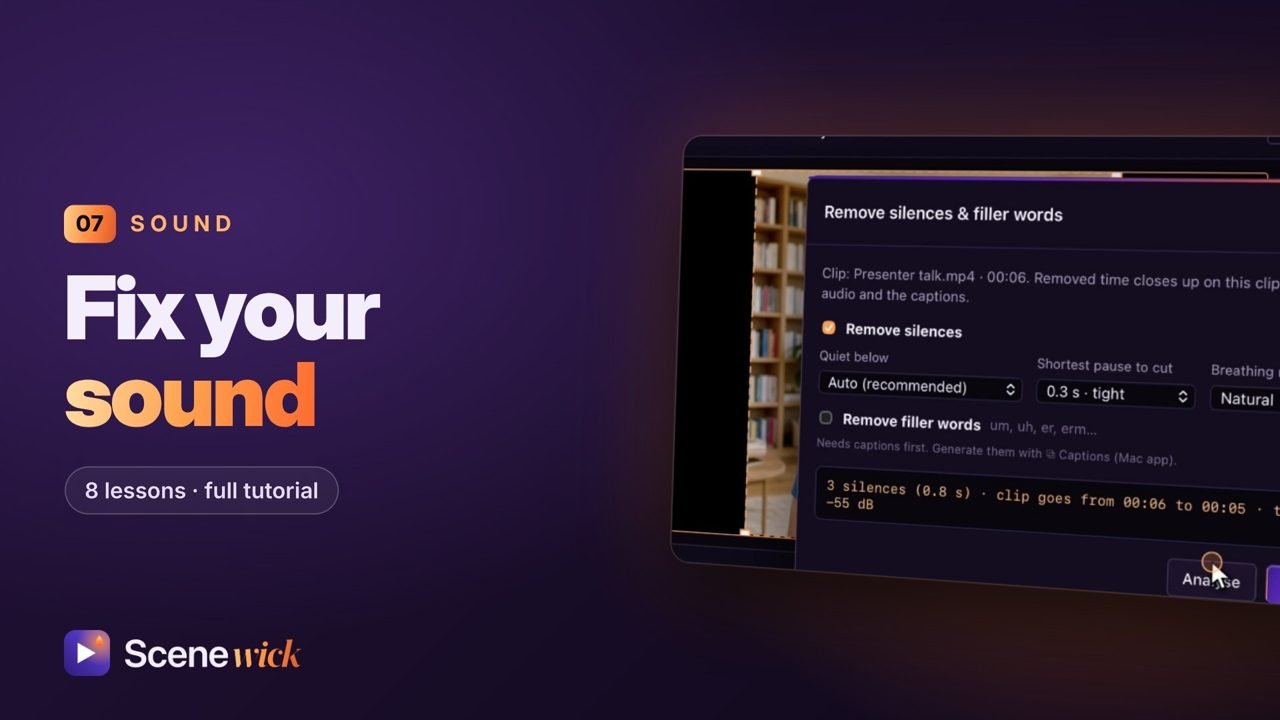
How to do it in Scenewick
- Open the Library tab next to Media.
- Press ▶ to preview a track, + to add it at the playhead.
- Loops repeat seamlessly to the end of your video. Music dips under speech automatically (ducking). Set it with Dip under speech and Dip amount in the Audio section.
Scenewick is a video editor for Mac: no subscription, no account, and everything runs on your Mac, so your videos never leave it.
Get Scenewick for Mac
Coming soon to the Mac App Store: get an email the day it’s out, with a 14-day free trial of everything.
More in sound
- How to separate audio from a video on Mac
- How to change the volume of a video and fade the sound on Mac
- How to make all the voices in a video the same volume on Mac
- How to crossfade audio between video clips on Mac
- How to remove background noise from a video on Mac
Every how-to · All the video lessons. The video is narrated by an AI voice, and the presenter in the demo footage is AI-generated.