
How to split a video clip in two on Mac
Cut a clip in two at the playhead with one key. Splitting video in Scenewick, a video editor for Mac with no subscription.
Get Scenewick for Mac
Coming soon to the Mac App Store: get an email the day it’s out, with a 14-day free trial of everything.
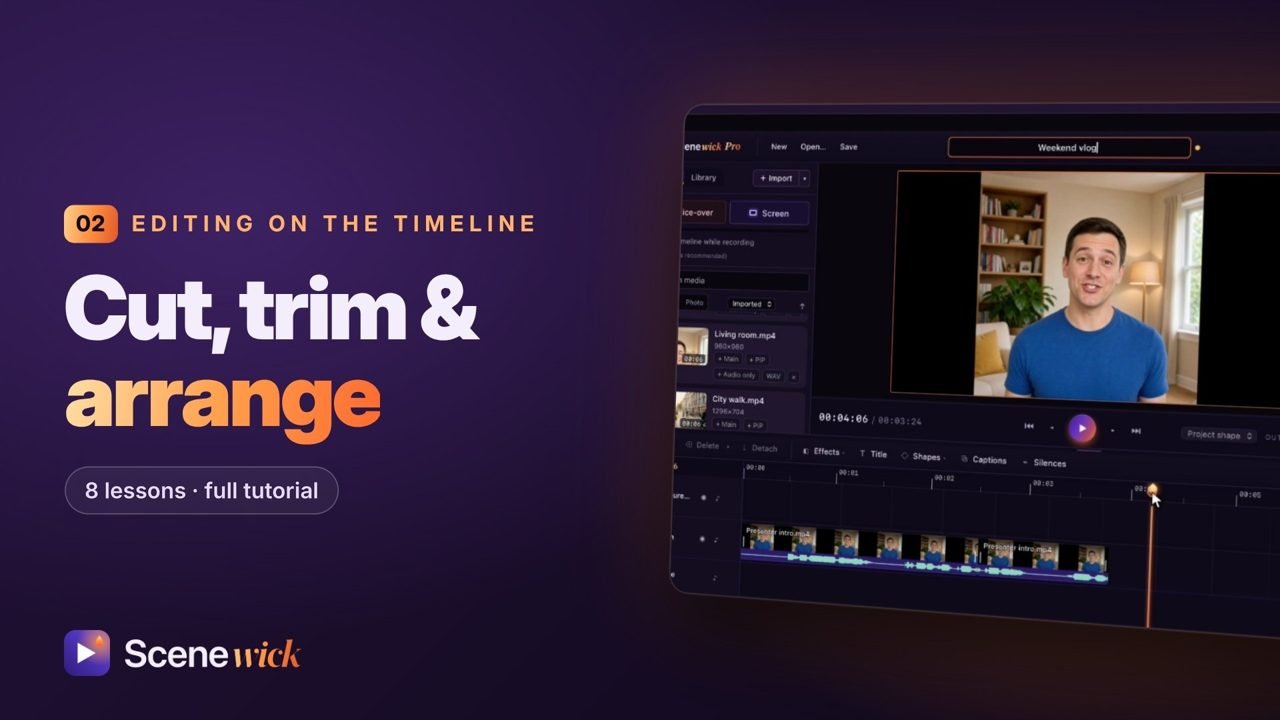
How to do it in Scenewick
- Click the ruler to put the playhead where you want the cut.
- Press S, or click ✂ Split. ⌘B works too.
- You now have two clips you can trim, move or delete separately.
Scenewick is a video editor for Mac: no subscription, no account, and everything runs on your Mac, so your videos never leave it.
Get Scenewick for Mac
Coming soon to the Mac App Store: get an email the day it’s out, with a 14-day free trial of everything.
More in editing on the timeline
- How to trim the start and end of a video on Mac
- How to rearrange video clips on a timeline on Mac
- How to insert a clip into the middle of another clip on Mac
- How to delete part of a video without leaving gaps on Mac
- How to close empty gaps between clips in a video on Mac
Every how-to · All the video lessons. The video is narrated by an AI voice, and the presenter in the demo footage is AI-generated.