
How to turn a landscape video into a vertical one for TikTok, Reels and Shorts on Mac
Auto reframe follows the people in every shot, so a wide video becomes vertical or square without losing anyone. A Scenewick Pro feature with a 14-day free trial.
Coming soon to the Mac App Store: get an email the day it’s out, with a 14-day free trial of everything.
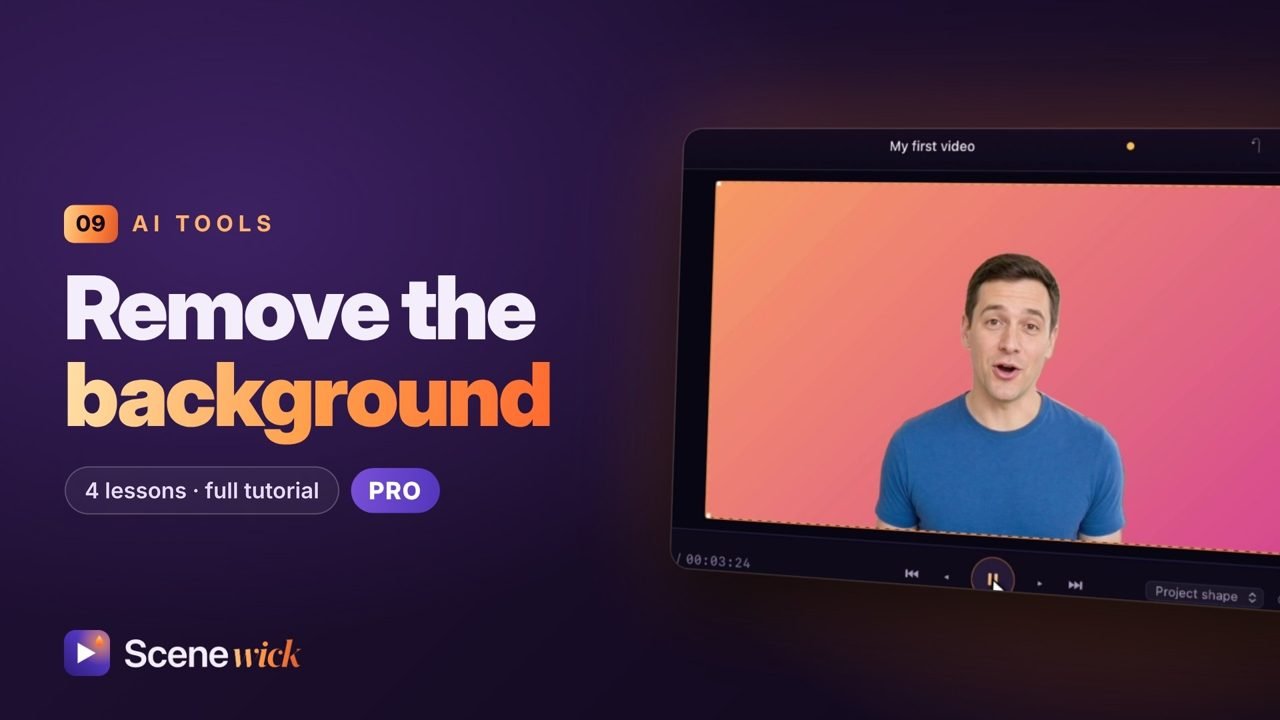
How to do it in Scenewick
- Select a clip. In Transform, set Reframe to Follow the subject · AI.
- Preview with the shape menu under the viewer.
- When you export, tick Also export 9:16 and 1:1 to make all the shapes in one go.
Pro This is a Scenewick Pro feature. Every Pro feature is in the 14-day free trial; after that, Pro is a single purchase with no subscription.
Scenewick is a video editor for Mac: no subscription, no account, and everything runs on your Mac, so your videos never leave it.
Coming soon to the Mac App Store: get an email the day it’s out, with a 14-day free trial of everything.
More in ai tools
- How to remove the background from a video without a green screen on Mac
- How to make a YouTube thumbnail from your video on Mac
Every how-to · All the video lessons. The video is narrated by an AI voice, and the presenter in the demo footage is AI-generated.