
How to add timed captions to a video with no speech on Mac
Time a script at reading pace for music videos and voiceovers you haven't recorded yet. Free in Scenewick for Mac.
Get Scenewick for Mac
Coming soon to the Mac App Store: get an email the day it’s out, with a 14-day free trial of everything.
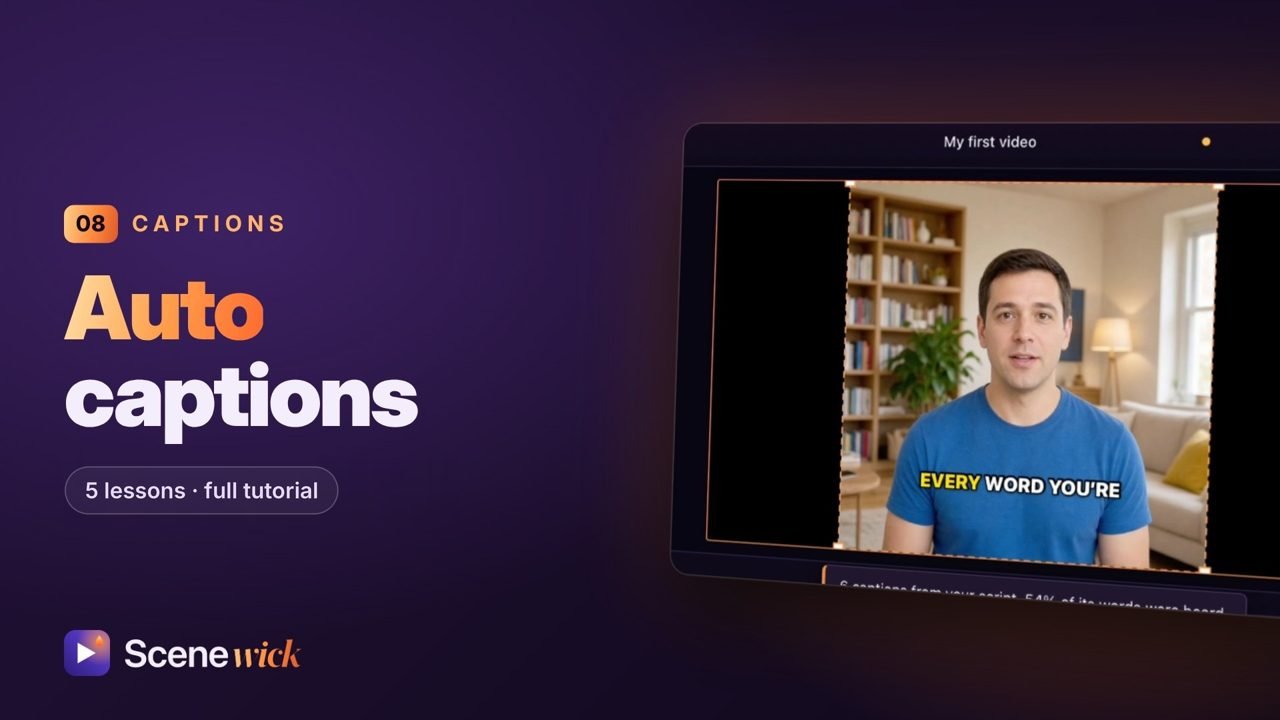
How to do it in Scenewick
- Select the clip the captions should cover (or put the playhead where they start).
- Click Captions › Script, no speech, and paste your text.
- Click Generate captions; drag caption edges to fine-tune.
Scenewick is a video editor for Mac: no subscription, no account, and everything runs on your Mac, so your videos never leave it.
Get Scenewick for Mac
Coming soon to the Mac App Store: get an email the day it’s out, with a 14-day free trial of everything.
More in captions
- How to add automatic captions (subtitles) to a video on Mac
- How to make captions from your own script on Mac
- How to import and export SRT subtitle files on Mac
- How to edit and style video captions on Mac
Every how-to · All the video lessons. The video is narrated by an AI voice, and the presenter in the demo footage is AI-generated.