
How to animate text in a video on Mac
Pop, slide, typewriter and bounce animations for titles coming on and going off, in Scenewick for Mac.
Get Scenewick for Mac
Coming soon to the Mac App Store: get an email the day it’s out, with a 14-day free trial of everything.
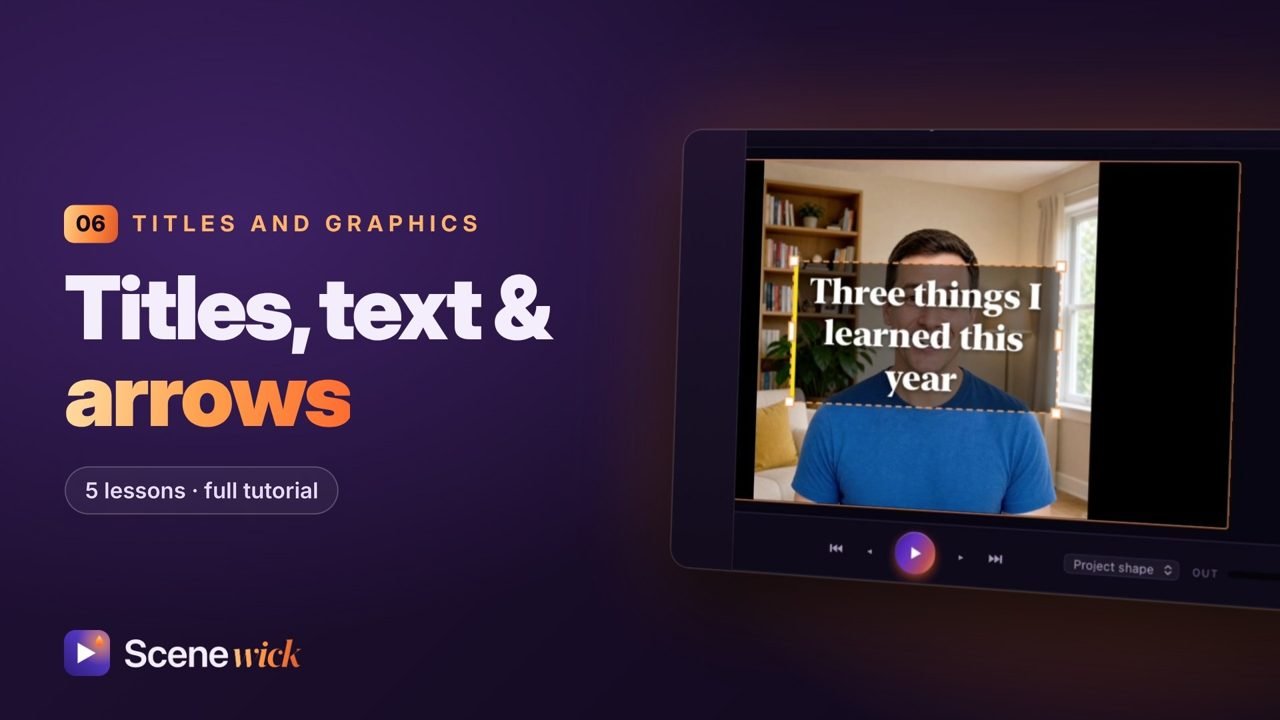
How to do it in Scenewick
- Select a title or shape and open Animation.
- Choose how it comes In and goes Out, and set the speed.
- Fade in and Fade out soften the start and end.
Scenewick is a video editor for Mac: no subscription, no account, and everything runs on your Mac, so your videos never leave it.
Get Scenewick for Mac
Coming soon to the Mac App Store: get an email the day it’s out, with a 14-day free trial of everything.
More in titles and graphics
- How to add text to a video on Mac
- How to change the font, colour and outline of video text on Mac
- How to add arrows, circles and highlights to a video on Mac
Every how-to · All the video lessons. The video is narrated by an AI voice, and the presenter in the demo footage is AI-generated.