
How to export a video as MP4 in 4K, vertical and square on Mac
Save a finished MP4 in widescreen, vertical and square versions at once: up to 4K, free and with no watermark. For Mac.
Get Scenewick for Mac
Coming soon to the Mac App Store: get an email the day it’s out, with a 14-day free trial of everything.
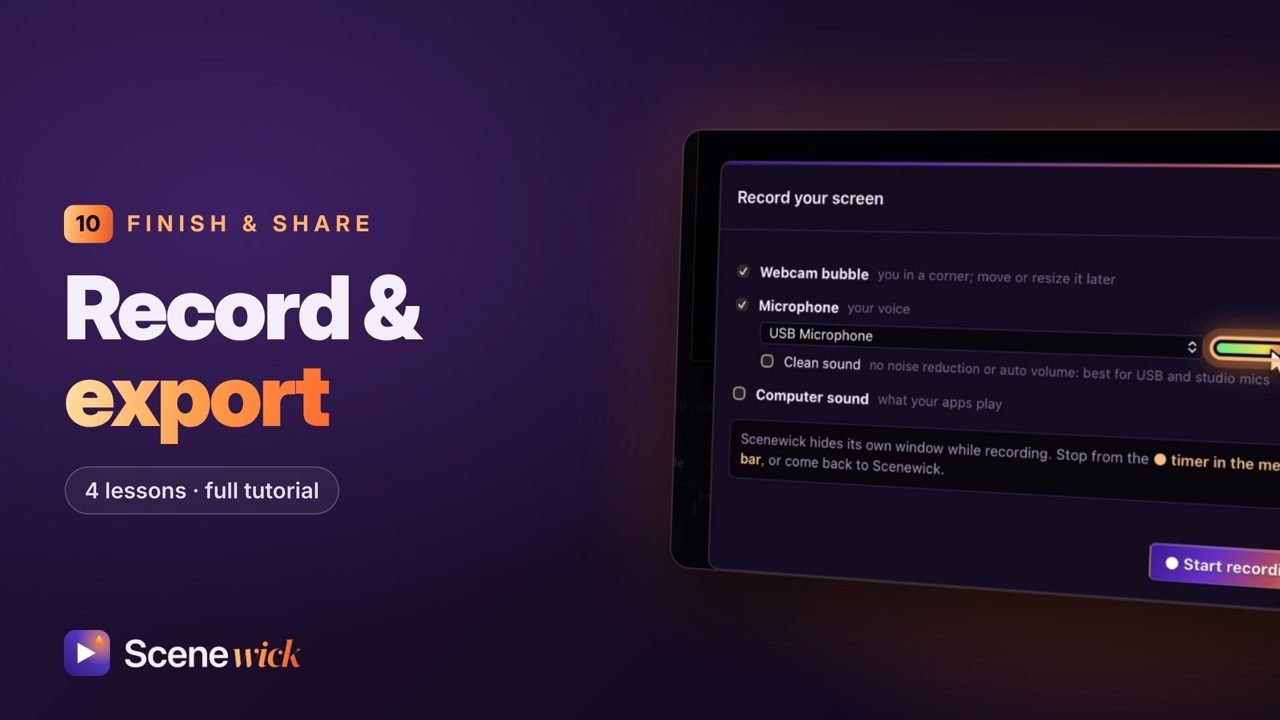
How to do it in Scenewick
- Click Export.
- Pick a size (up to 4K, with no watermark in the free version too), frame rate, H.264 or HEVC, and quality.
- Tick Also export to make 9:16 and 1:1 versions too.
- Click Export and choose where to save. Audio only saves a WAV.
Scenewick is a video editor for Mac: no subscription, no account, and everything runs on your Mac, so your videos never leave it.
Get Scenewick for Mac
Coming soon to the Mac App Store: get an email the day it’s out, with a 14-day free trial of everything.
More in record, combine and export
- How to record your screen with webcam and voice on Mac
- How to combine two video projects into one on Mac
Every how-to · All the video lessons. The video is narrated by an AI voice, and the presenter in the demo footage is AI-generated.