
How to import and export SRT subtitle files on Mac
Bring in .srt or .vtt subtitles from anywhere and restyle them, or export your captions as an .srt for YouTube. Free in Scenewick for Mac.
Get Scenewick for Mac
Coming soon to the Mac App Store: get an email the day it’s out, with a 14-day free trial of everything.
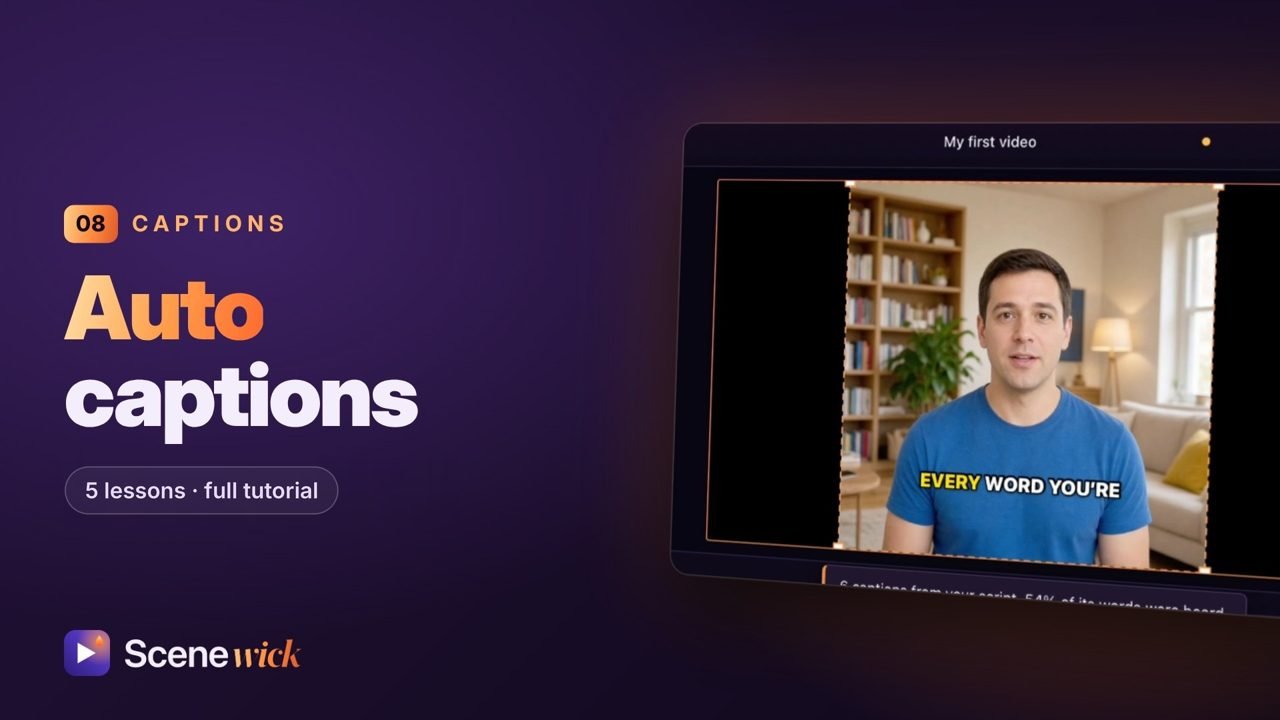
How to do it in Scenewick
- Click Captions › Subtitle file and choose an .srt or .vtt file.
- Choose whether times count from the timeline start or the selected clip, then Add captions.
- To export, select any caption and click ⤓ Export captions (.srt), ready for YouTube.
Scenewick is a video editor for Mac: no subscription, no account, and everything runs on your Mac, so your videos never leave it.
Get Scenewick for Mac
Coming soon to the Mac App Store: get an email the day it’s out, with a 14-day free trial of everything.
More in captions
- How to add automatic captions (subtitles) to a video on Mac
- How to make captions from your own script on Mac
- How to add timed captions to a video with no speech on Mac
- How to edit and style video captions on Mac
Every how-to · All the video lessons. The video is narrated by an AI voice, and the presenter in the demo footage is AI-generated.